
Course Progress
50%
Course Progress
Protect Your Accounts: How to Create Strong Passwords
It's Day 22, and today we're focusing on password management—one of the most important aspects of keeping your online accounts secure. Weak or reused passwords are one of the main reasons accounts get hacked, so learning how to create strong, unique passwords is essential.
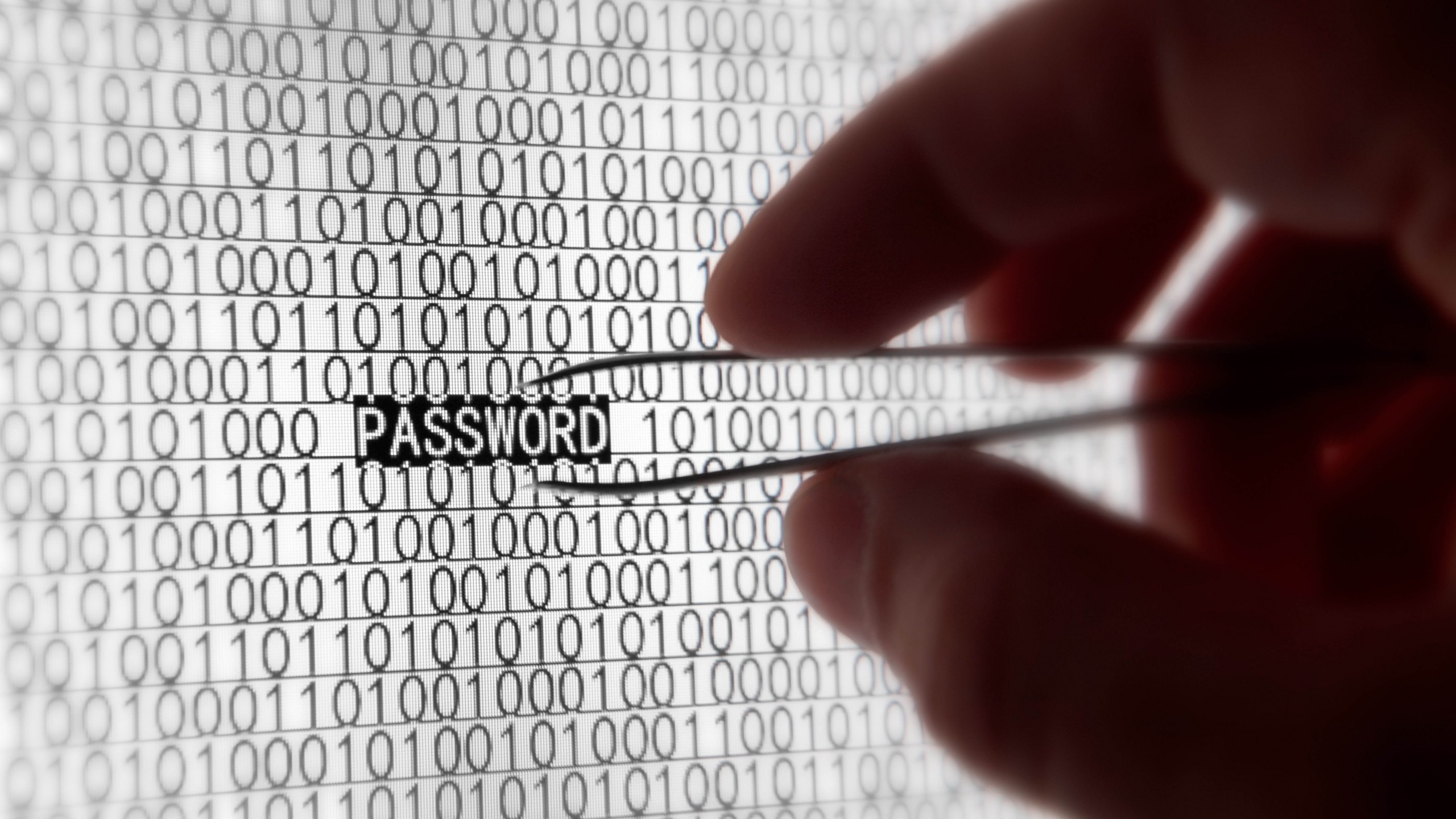
A strong password is:
At least 12 characters long.
A mix of uppercase and lowercase letters, numbers, and symbols (e.g., !, #, @).
Unique to each account—don't reuse the same password for multiple sites.
Avoid using easily guessed information, like your name, birthday, or the word "password."
Strong, unique passwords help protect your accounts from hackers. If someone gains access to your account because of a weak password, they could steal your personal information, make unauthorized purchases, or even lock you out of your own accounts.
Take some time today to review your existing passwords. Are they short or reused across multiple sites? If so, update them with longer, stronger versions. You can use a tool like Google Password Manager or LastPass to store your passwords securely.
Consider using a password manager to store and manage your passwords. This way, you only need to remember one master password, and the manager will handle the rest, generating and storing strong passwords for all your accounts.
