
Course Progress
50%
Course Progress
Viruses and Malware: How to Protect Your Computer
It's Day 25, and today we're going to talk about viruses and malware—two common types of digital threats that can harm your computer and compromise your personal data. Understanding what these are and how to protect yourself is key to safe computing.
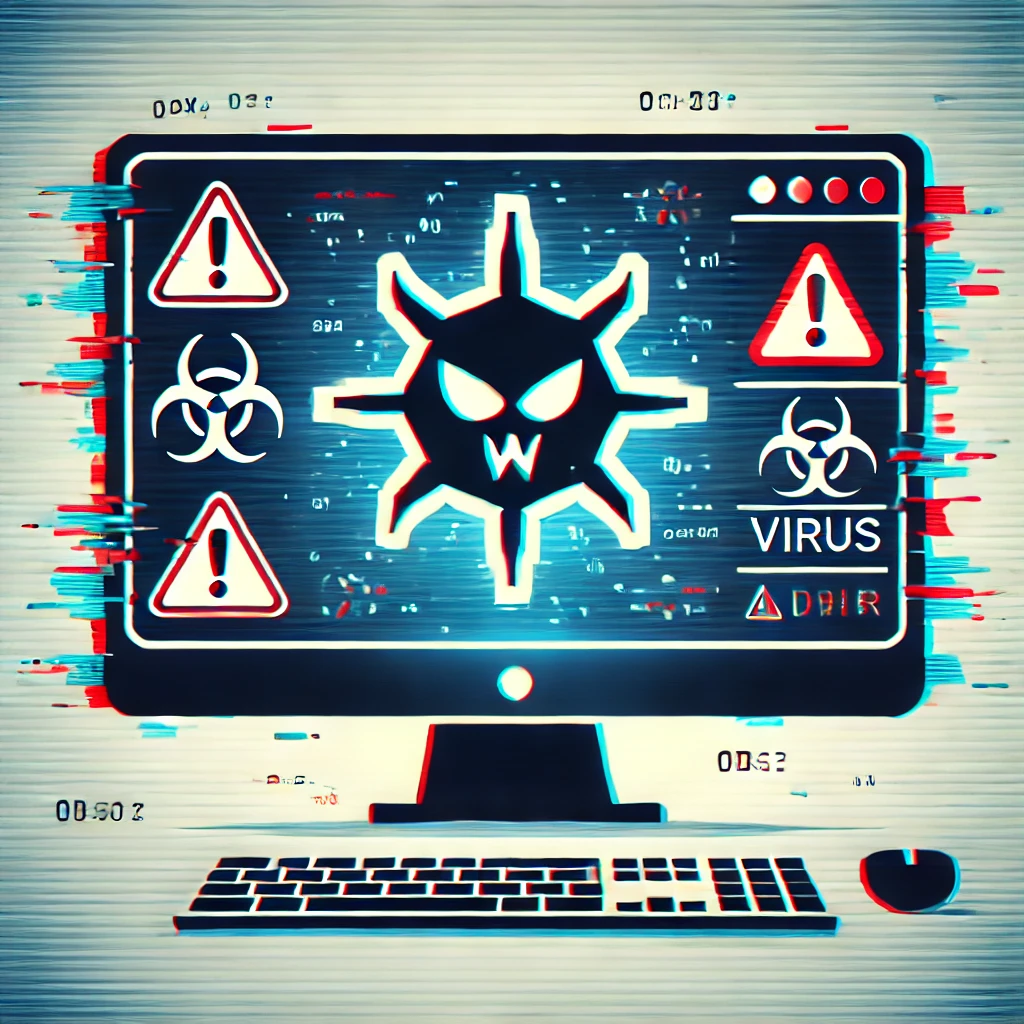
Viruses: A type of malware that can replicate itself and spread to other computers. It often hides in email attachments, downloads, or compromised websites.
Malware: Malicious software designed to damage or disable your computer, steal your data, or spy on your activities. Common types include spyware, ransomware, and adware.
Install antivirus software: Antivirus programs, such as Norton, McAfee, or Windows Defender, can detect and remove viruses and malware before they cause harm.
Be cautious with downloads: Only download files from trusted websites, and avoid opening email attachments from unknown senders.
Keep your system updated: Many viruses exploit security vulnerabilities in outdated systems. Regular updates close these gaps and help protect your computer.
Protecting your computer from viruses and malware ensures it runs smoothly and keeps your personal information safe from hackers or malicious programs. A virus can slow down your computer, delete files, or even give someone access to your personal data.
Check if your computer has antivirus software installed and up to date. If not, consider downloading a reputable antivirus program to protect your system. Run a virus scan to ensure your computer is safe.
Be cautious when clicking on links or downloading files. Even if an email looks legitimate, hover over links to see where they lead, and avoid clicking on anything that seems suspicious.
