
Course Progress
50%
Course Progress
How to Safely Manage Your Finances with Online Banking
It's Day 46, and today we're introducing you to online banking—a convenient way to manage your finances without having to visit a bank. Online banking allows you to check your balance, transfer money, pay bills, and more, all from your computer.
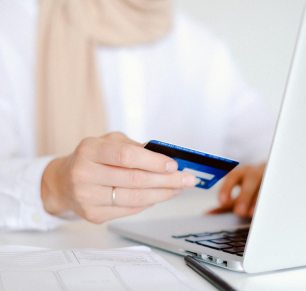
Visit your bank's website: Look for a section like Online Banking or Log In.
Create an account: If you don't already have an online banking account, you'll need to sign up.
Log in: Once your account is set up, you can log in with your credentials and start managing your finances.
Online banking provides you with easy access to your money, allowing you to manage your accounts, pay bills, and track transactions without needing to visit a branch. It's secure, fast, and convenient.
If you haven't yet, set up your online banking account by visiting your bank's website. Once logged in, explore the features, like checking your balance or viewing recent transactions.
Enable two-factor authentication (2FA) for your online banking account. This adds an extra layer of security by requiring a second form of identification, like a text message code, in addition to your password.
