
Course Progress
50%
Course Progress
Manage Your Finances on the Go with Mobile Banking
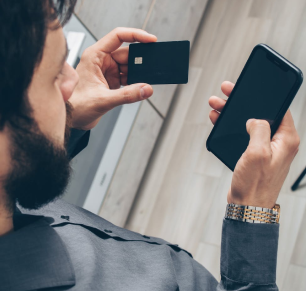
It's Day 48, and today we'll introduce you to mobile banking—a convenient way to manage your finances from your smartphone or tablet. With mobile banking apps, you can check your balance, transfer money, deposit checks, and more, no matter where you are.
Download your bank's app: Visit the App Store (for iPhone) or Google Play (for Android) and search for your bank's official app.
Log in with your credentials: Use the same username and password you created for online banking.
Explore the app's features: Most mobile banking apps allow you to check your balance, pay bills, transfer funds, and even deposit checks by taking a picture of them.
Mobile banking lets you manage your money from anywhere, offering flexibility and convenience. You can easily check your balance before making a purchase or transfer money between accounts on the go.
Download your bank's mobile app and log in. Explore the features, such as viewing your account balance or making a quick transfer between accounts.
Enable fingerprint or facial recognition (if your phone supports it) for faster and more secure access to your mobile banking app.
