
Course Progress
50%
Course Progress
Understanding the Desktop: Your Digital Workspace
It's Day 5, and today we're going to dive into the desktop, which is essentially your computer's home base. When you first turn on your computer, the desktop is the first thing you see. It's where you'll find your most important tools, files, and shortcuts.
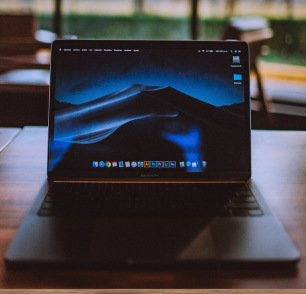
Think of the desktop as your computer's main workspace. It's the screen you see once your computer has finished starting up, and it's where you'll find everything you need to access your files, programs, and settings. Here are the key elements you'll see on your desktop:
Icons: These little pictures represent programs, files, folders, or shortcuts. You can double-click an icon to open it.
Taskbar/Dock: This bar is usually at the bottom of your screen (on Windows) or along the side (on Macs). It's where you can quickly access programs, check the time, and control system functions like volume or internet connection.
Wallpaper: The background image on your desktop. You can personalize this to make your workspace more enjoyable!
Opening Programs: To open a program, double-click on its icon. If you don't see the program on your desktop, you can usually find it in the Start Menu (Windows) or Applications folder (Mac).
Moving Icons: You can drag icons around to organize them in a way that makes sense to you. Want all your work documents on the left side? Just click, hold, and drag them into place!
Using the Taskbar/Dock: The taskbar or dock holds shortcuts to frequently used programs. You can add or remove programs from here to make accessing your favorite tools even faster.
The desktop is where you'll spend a lot of time interacting with your computer. The more familiar you are with it, the more organized and efficient you'll be when working on projects, browsing the web, or finding files.
Take a look at the icons on your desktop. Double-click one to open it, and practice dragging it to a new spot to rearrange your workspace. Explore your taskbar or dock to see which programs are available at your fingertips.
If your desktop is starting to feel cluttered, you can create folders to group similar files together. Just right-click on the desktop, choose New Folder, and start organizing!
