
Course Progress
50%
Course Progress
Translate Websites and Documents with Ease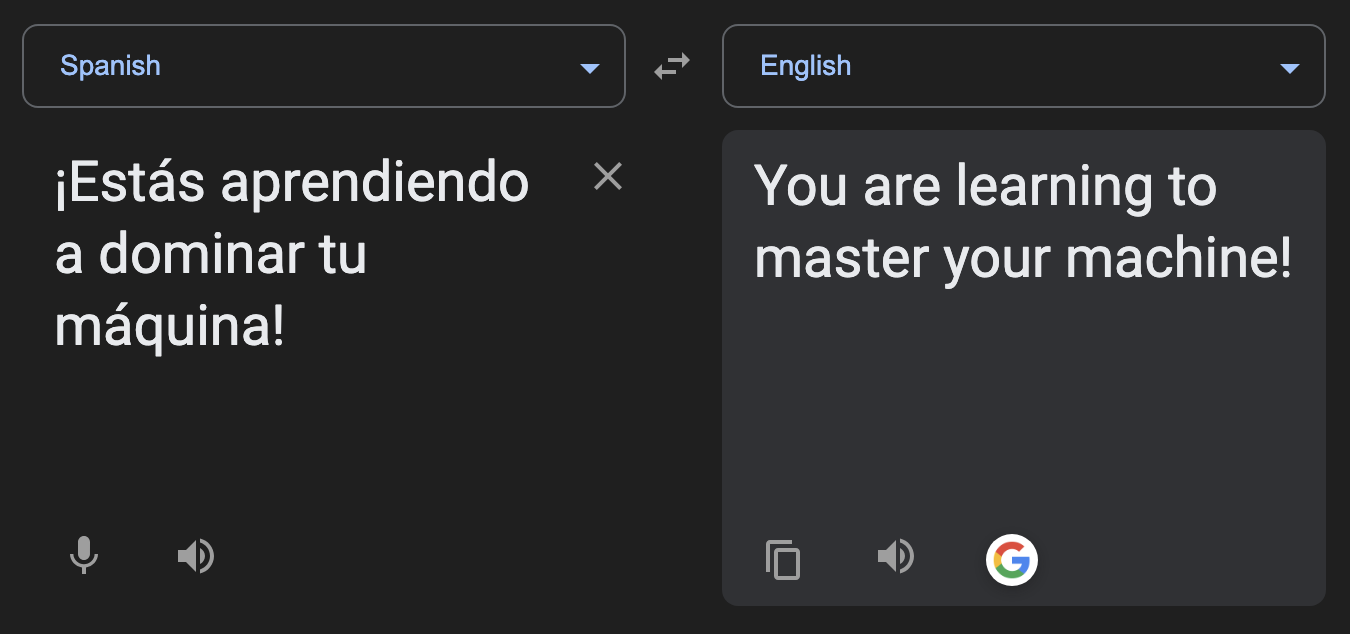
It's Day 58, and today we'll learn how to use translation tools to read websites or documents in different languages. Whether you're traveling, researching, or communicating with someone who speaks another language, translation tools make it easy to bridge the language gap.
Google Translate: Visit translate.google.com to enter text or upload a document for translation. Google Translate can handle over 100 languages.
Browser Translation: In Chrome, right-click on any webpage and select Translate to English. Other browsers may require an extension for this feature.
Mobile Apps: Download the Google Translate app or another translation app to translate spoken words, text, or images on the go.
Translation tools make it easier to access content in foreign languages, whether you're traveling, learning a new language, or browsing websites from around the world. They're a valuable tool for communication and understanding.
Visit a foreign-language website and use Google Translate or your browser's built-in translation feature to read the content in your preferred language.
If you're translating important documents, it's always a good idea to double-check the translation for accuracy. Automated tools aren't perfect, and human proofreading can help catch mistakes.
