
Course Progress
50%
Course Progress
Reduce Inbox Clutter by Blocking Unwanted Emails
It's Day 60, and today we'll talk about how to block unwanted emails and reduce spam in your inbox. Dealing with spam and unwanted messages can be frustrating, but there are tools and techniques to keep your inbox clean and organized.
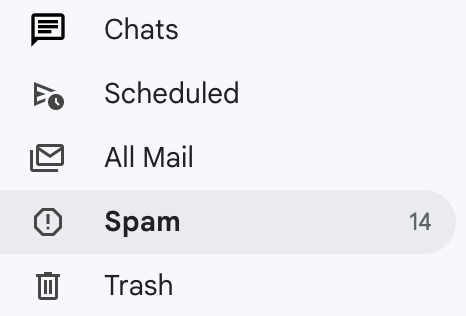
Mark as spam: In most email services, you can mark unwanted emails as spam. This moves the email to your spam folder and prevents future messages from the sender.
Unsubscribe: For newsletters or promotional emails, look for an Unsubscribe link at the bottom of the email. Clicking this link will stop future emails from that sender.
Create filters: Many email providers allow you to create filters that automatically move or delete emails based on specific criteria (e.g., sender or subject).
Blocking unwanted emails helps reduce clutter in your inbox and ensures you only receive messages that matter to you. It also protects you from potential phishing attempts or scams that can hide in spam emails.
Go through your inbox and identify any unwanted emails. Use the Mark as Spam or Unsubscribe options to start reducing the number of irrelevant messages you receive.
Set up a separate email address for things like promotions or newsletters. This way, you can keep your main inbox focused on important messages while still receiving deals and offers in another account.
