
Course Progress
50%
Course Progress
How to Connect and Use External Devices
It's Day 76, and today we'll learn how to connect external devices like USB drives or external hard drives. These devices are useful for storing files, transferring data, or backing up important documents.
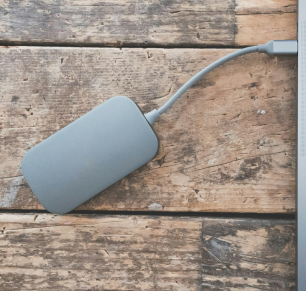
Insert the USB device: Plug the USB drive or external hard drive into one of the USB ports on your computer.
Open the file explorer:
On Windows: Open File Explorer and look for the device under This PC.
On Mac: Open Finder and locate the device in the sidebar under Devices.
Access your files: Once connected, you can move files to and from the device by dragging and dropping them into folders.
External devices are great for backing up files, sharing data between computers, or freeing up space on your computer by storing larger files externally.
Plug in a USB drive or external hard drive and practice copying a file from your computer onto the device.
Always eject the device properly before unplugging it from your computer. On Windows, right-click the device and select Eject. On Mac, click the eject button next to the device in Finder.
