
Course Progress
50%
Course Progress
Learn How to Scan Documents to Your Computer or Phone
It's Day 78, and today we'll learn how to scan documents to your computer or phone. Scanning is a great way to save important paper documents in a digital format.
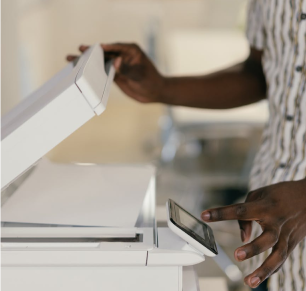
Using a scanner:
On Windows: Connect your scanner and open the Windows Scan app. Follow the prompts to scan the document and save it to your computer.
On Mac: Use the Image Capture app to scan documents and save them to your preferred location.
Using a mobile app: Download a scanning app like Adobe Scan or CamScanner. Use your phone's camera to capture the document, and the app will convert it into a PDF.
Scanning allows you to save physical documents digitally, making it easier to store, share, and organize important papers.
Scan a document using a scanner or your phone. Save it as a PDF and practice organizing it into a folder on your computer.
When scanning, always name your files clearly (e.g., Receipt_Aug2024), so you can easily find them later.
